~/blog/developer-productivity-vscode-git-automation.md
Developer productivity: VS Code, advanced Git, agile project management and automation scripts
My daily workflow as a developer: the VS Code extensions and settings that actually help, Git beyond commit and push (rebase, cherry-pick and bisect), how to manage small projects without bureaucracy, and the scripts that automate the repetitive work.
- author
- Alejandro Peñaloza
- Published
- Reading
- 4 min
- Español
- Leer en español →
In this article
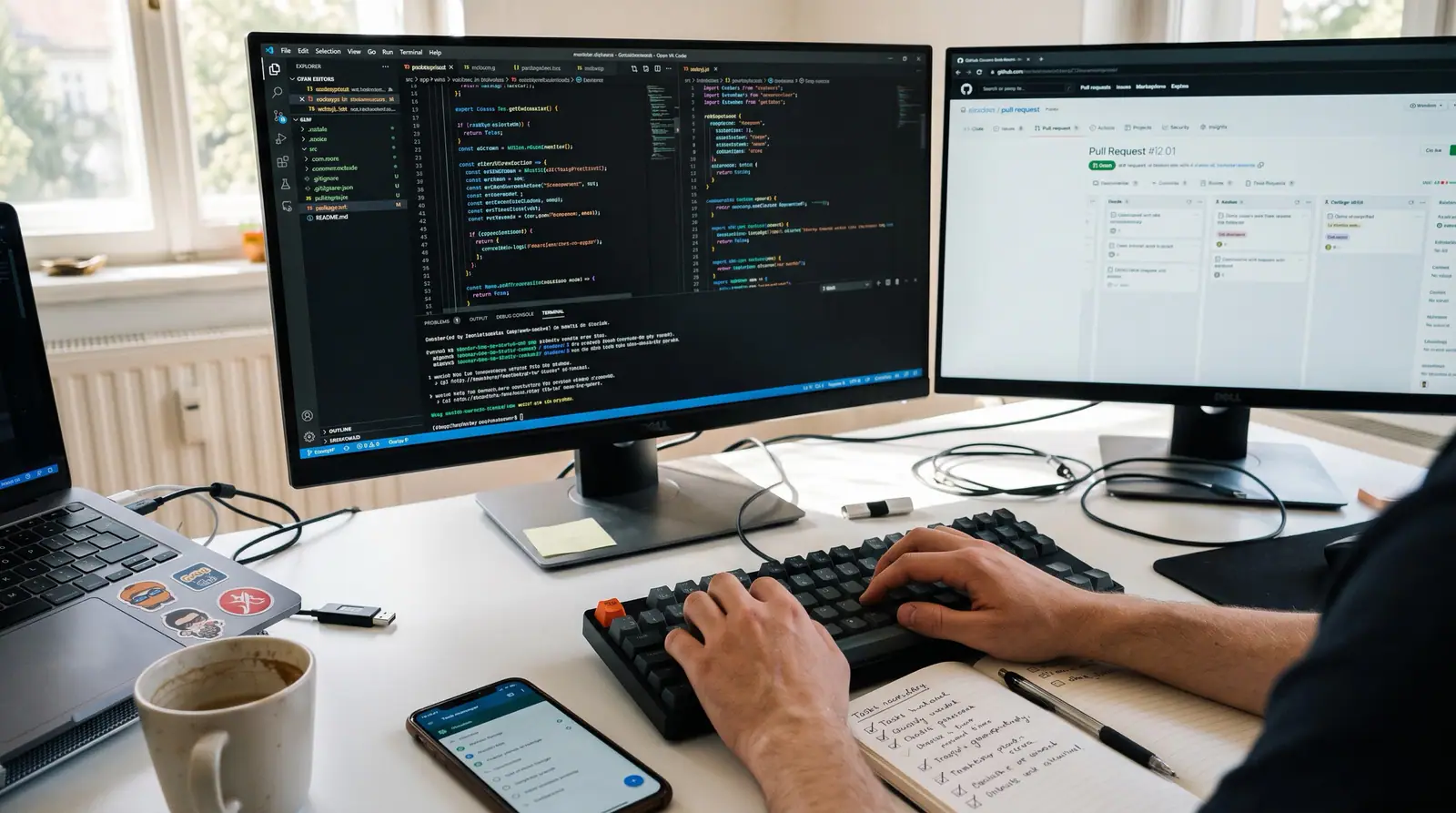
A developer's productivity doesn't depend on typing faster, but on wasting less time on everything that isn't programming: searching for files, undoing a botched merge, remembering which task came next, or running the same backup by hand every week.
These are the tools and habits that have saved me the most time.
My VS Code setup
Extensions that actually add value
The rule is simple: if I don't use an extension at least once a week, I uninstall it. Every active extension costs memory and startup time.
| Extension | What for |
|---|---|
| ESLint and Prettier | Errors and automatic formatting on save |
| GitLens | Who changed each line and why, per-file history |
| Error Lens | Shows the error on the same line, no mouse hover needed |
| EditorConfig | Same indentation rules for the whole team |
| Docker and Dev Containers | Inspect containers and develop inside one |
| Remote - SSH | Edit files on a server as if they were local |
| REST Client | Test APIs with .http files versioned in the repo |
| PHP Intelephense / Dart / Python | Only the ones for the project's language |
A little-used trick: VS Code profiles. I have one for PHP/Laravel, another for Flutter and another for Node, each with its own extensions. The editor loads only what it needs.
Essential shortcuts
| Action | Windows / Linux | macOS |
|---|---|---|
| Find file | Ctrl+P |
Cmd+P |
| Command palette | Ctrl+Shift+P |
Cmd+Shift+P |
| Go to symbol in file | Ctrl+Shift+O |
Cmd+Shift+O |
| Go to definition | F12 |
F12 |
| Rename symbol across the project | F2 |
F2 |
| Select next match | Ctrl+D |
Cmd+D |
| Cursor on multiple lines | Ctrl+Alt+↑/↓ |
Cmd+Option+↑/↓ |
| Move line | Alt+↑/↓ |
Option+↑/↓ |
| Integrated terminal | Ctrl+` |
Ctrl+` |
My settings.json
{
  "editor.formatOnSave": true,
  "editor.codeActionsOnSave": {
    "source.fixAll.eslint": "explicit",
    "source.organizeImports": "explicit"
  },
  "editor.fontFamily": "'JetBrains Mono', monospace",
  "editor.fontLigatures": true,
  "editor.minimap.enabled": false,
  "editor.bracketPairColorization.enabled": true,
  "editor.guides.bracketPairs": "active",
  "editor.stickyScroll.enabled": true,
  "files.trimTrailingWhitespace": true,
  "files.insertFinalNewline": true,
  "files.autoSave": "onFocusChange",
  "explorer.confirmDragAndDrop": false,
  "workbench.editor.enablePreview": false,
  "git.autofetch": true,
  "terminal.integrated.scrollback": 10000
}
Git beyond commit and push
git rebase -i: a clean history before the pull request
Before opening a PR, I squash the "fix typo" and "now it works" commits into meaningful ones:
git fetch origin
git rebase -i origin/develop
In the editor you change pick to squash (or s) to merge, reword to change the message, or drop to remove a commit. If a conflict shows up:
# resolve the files, then
git add .
git rebase --continue
# or, if you change your mind
git rebase --abort
Golden rule: don't rebase branches that other people have already pulled. If you already pushed the branch, use git push --force-with-lease, which refuses to overwrite other people's changes that you don't have locally.
git cherry-pick: bring a single commit to another branch
A Gitflow classic: you fixed a bug in develop and need that same fix in a hotfix.
git switch hotfix/1.4.1
git cherry-pick a1b2c3d
git cherry-pick a1b2c3d..f6e7d8c   # a range of commits
git cherry-pick -x a1b2c3d         # adds "cherry picked from" to the message
git bisect: find the exact commit that broke something
It worked two weeks ago and today it doesn't. There are 80 commits in between. bisect runs a binary search and finds it in about 7 steps.
git bisect start
git bisect bad                 # the current commit is broken
git bisect good v2.3.0         # this tag worked
# Git checks out a commit in between: test it and mark it
git bisect good   # or git bisect bad
# ...repeat until Git tells you which one is the first bad commit
git bisect reset
And if you have a test that detects the problem, you can automate it completely:
git bisect start HEAD v2.3.0
git bisect run npm test -- tests/calculo-totales.test.ts
Other commands that save the day
git switch -c feature/new            # create a branch and switch to it
git stash push -m "half done"        # stash uncommitted changes
git stash pop
git reflog                           # recover "lost" commits
git log --oneline --graph --all      # view the full tree
git commit --amend --no-edit         # add something to the last commit
git reflog deserves a special mention: almost nothing is ever lost in Git. If a reset --hard wiped out your work, the reflog shows you where HEAD was before.
Project management without bureaucracy
In small or freelance projects the risk isn't a lack of process, but having so much process that managing takes longer than programming. Here's what works for me:
- A single board with four columns: To do, In progress, In review, Done. Nothing else.
- Work-in-progress limit: at most two cards in "In progress". If you want to start another one, finish one first.
- Small cards: if a task takes more than a day, it gets split.
- One- or two-week sprints with a 15-minute review at the end: what was delivered, what moves to the next one.
- Every card linked to its branch or PR, so the board and the code tell the same story.
Which tool should you use?
| Tool | Best for |
|---|---|
| GitHub Projects | If your code already lives on GitHub: issues, PRs and board in one place, for free |
| Trello | Non-technical clients who need to see progress |
| Taiga | Full Scrum (stories, points, sprints) with the option to self-host |
With GitHub Projects you can also close cards automatically from the commit:
git commit -m "fix(invoices): fix VAT rounding

Closes #42"
Automation with scripts
Anything you do more than three times deserves a script.
PostgreSQL backup with rotation
#!/usr/bin/env bash
set -euo pipefail

DB_NAME="${DB_NAME:-app}"
BACKUP_DIR="${BACKUP_DIR:-/var/backups/postgres}"
RETENTION_DAYS="${RETENTION_DAYS:-14}"
STAMP="$(date +%Y%m%d_%H%M%S)"
FILE="${BACKUP_DIR}/${DB_NAME}_${STAMP}.dump"

mkdir -p "$BACKUP_DIR"

pg_dump -Fc -d "$DB_NAME" -f "$FILE"
echo "Backup created: $FILE ($(du -h "$FILE" | cut -f1))"

find "$BACKUP_DIR" -name "${DB_NAME}_*.dump" -mtime +"$RETENTION_DAYS" -delete
echo "Backups older than ${RETENTION_DAYS} days deleted"
Scheduled with cron every day at 03:15:
15 3 * * * DB_NAME=app /opt/scripts/backup-pg.sh >> /var/log/backup-pg.log 2>&1A backup you've never restored isn't a backup: test it every now and then with pg_restore -d app_test file.dump.
Cleaning up heavy folders
#!/usr/bin/env bash
# Delete node_modules from projects with no changes in 30 days
find ~/projects -name node_modules -type d -prune -mtime +30 -print -exec rm -rf {} +

# Free up Docker space (unused images and cache)
docker system prune -f
One-command deployment
#!/usr/bin/env bash
set -euo pipefail

SERVER="deploy@my-server"
APP_DIR="/srv/myapp"

ssh "$SERVER" bash -s <<EOF
  set -e
  cd "$APP_DIR"
  git pull --ff-only
  docker compose pull
  docker compose up -d --build
  docker image prune -f
EOF

echo "Deployment finished"
A Node.js task: get notified when something fails
// notify.mjs: sends a message to a webhook (ntfy, Slack, Discord...)
const [, , title, message] = process.argv;

await fetch(process.env.WEBHOOK_URL, {
  method: "POST",
  headers: { Title: title },
  body: message,
});/opt/scripts/backup-pg.sh || node notify.mjs "Backup failed" "Check the production server"Conclusion
None of these ideas is spectacular on its own. The difference shows up when they add up: an editor that works for you, a Git you know how to use when something goes wrong, a board that doesn't steal your afternoon, and scripts that handle the repetitive work by themselves. That's time that goes back to what matters: building.
Comments
No comments yet. Want to leave the first one?
Leave a comment
$ ls ~/blog | grep related
Keep reading
War log: debugging CORS, refactoring my own code and integrating Webpay without losing the afternoon
Real problems and how I solved them: a CORS error that only failed in production, a memory leak on the server, my own year-old code refactored without shame, and a practical guide to integrating Webpay Plus, Mercado Pago and Flow.
From localhost to production without tears: VPS, DNS, hosting and Docker for developers
A practical guide to taking a project to production: how to secure a VPS from scratch, set up DNS and Cloudflare, choose between shared hosting, a VPS or the cloud, and spin up your local database with Docker Compose in seconds.
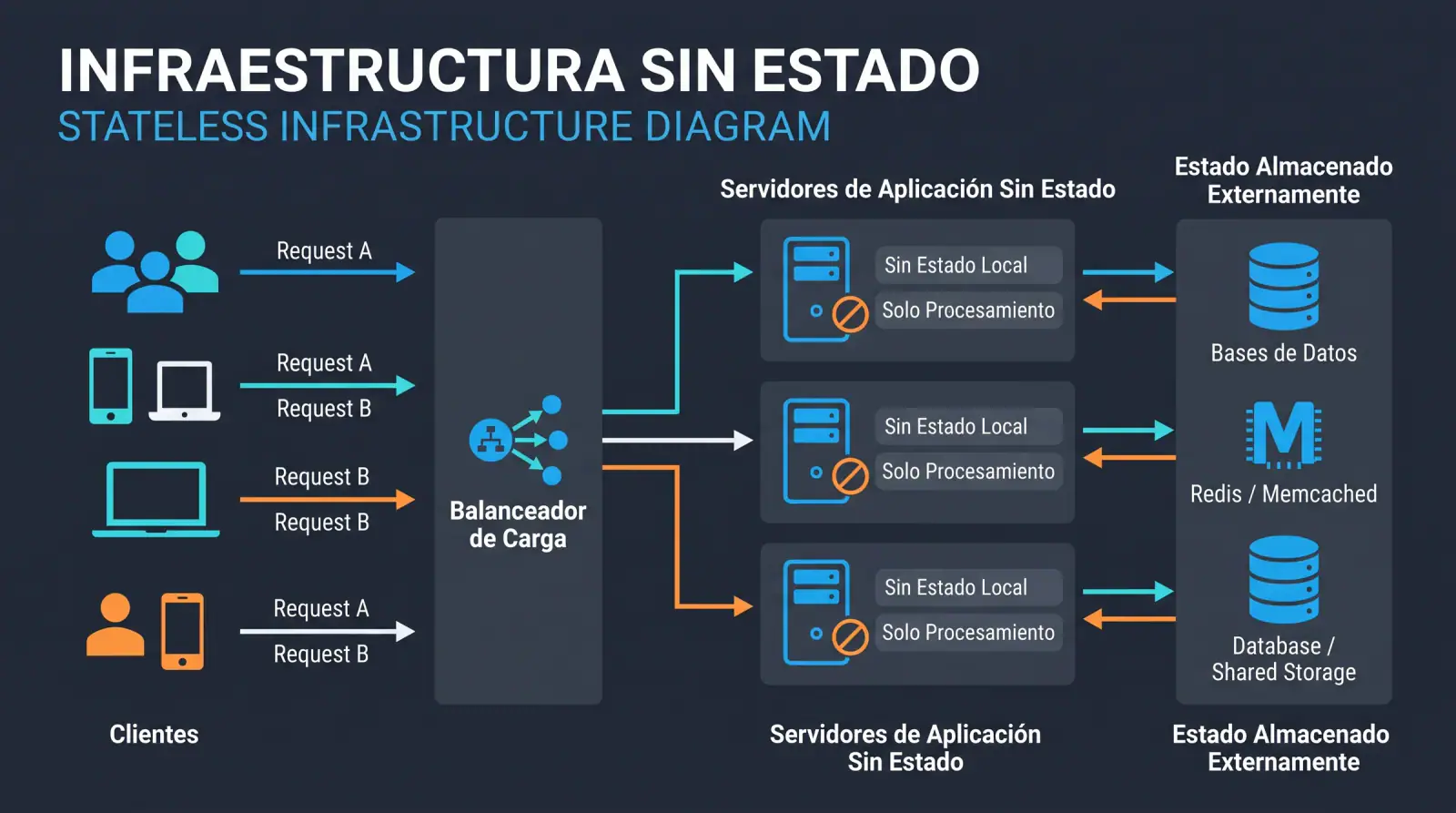
Stateless infrastructure: the foundation for scaling applications painlessly
Why designing applications without server-side state is key to scaling horizontally, deploying without downtime and recovering from failures, and how to do it right without falling into common mistakes.