~/blog/war-log-cors-refactoring-webpay.md
War log: debugging CORS, refactoring my own code and integrating Webpay without losing the afternoon
Real problems and how I solved them: a CORS error that only failed in production, a memory leak on the server, my own year-old code refactored without shame, and a practical guide to integrating Webpay Plus, Mercado Pago and Flow.
- author
- Alejandro Peñaloza
- Published
- Reading
- 5 min
- Español
- Leer en español →

In this article
Some posts are written to teach something, and some are written so that the next desperate developer who googles the same error finds the answer in five minutes instead of five hours. This is one of the latter.
Each section follows the same format: context, what I tried, why it failed, and what the definitive fix was.
How I fixed a CORS error that only failed in production
The context
A Next.js frontend at app.midominio.cl, a Node.js API at api.midominio.cl. Locally everything worked. In production, login failed with the classic:
Access to fetch at 'https://api.midominio.cl/auth/login' from origin
'https://app.midominio.cl' has been blocked by CORS policy: Response to
preflight request doesn't pass access control check: No
'Access-Control-Allow-Origin' header is present on the requested resource.
What I tried (and why it didn't work)
- Setting
Access-Control-Allow-Origin: *. The error changed, but it didn't go away: login uses cookies (credentials: "include") and the browser does not accept the*wildcard when credentials are sent. The origin has to be explicit. - Adding the header in the login controller. Useless: the browser first sends an
OPTIONSrequest (the preflight), and that one never reached my controller. - Reviewing the CORS middleware configuration. It was fine. And that was the clue: if the API was configured correctly, the problem was before the API.
The real cause
Nginx had a block that answered OPTIONS with an empty 204, inherited from an old configuration. The preflight never reached Node, so the response went out without CORS headers. Locally it didn't happen because there was no Nginx in between.
I confirmed it with curl, which is the best tool for debugging CORS because it shows you exactly what the server responds:
curl -i -X OPTIONS https://api.midominio.cl/auth/login \
  -H "Origin: https://app.midominio.cl" \
  -H "Access-Control-Request-Method: POST" \
  -H "Access-Control-Request-Headers: content-type"
The definitive fix
I removed the OPTIONS block from Nginx and let the API handle CORS in a single place:
import Fastify from "fastify";
import cors from "@fastify/cors";

const allowed = (process.env.CORS_ORIGINS ?? "").split(",");

const app = Fastify();
await app.register(cors, {
  origin: (origin, cb) => {
    if (!origin || allowed.includes(origin)) return cb(null, true);
    cb(new Error("Origin not allowed"), false);
  },
  credentials: true,
  methods: ["GET", "POST", "PUT", "PATCH", "DELETE", "OPTIONS"],
});
And since login uses cookies across subdomains, the cookie needs the right attributes:
reply.setCookie("session", token, {
  domain: ".midominio.cl",
  httpOnly: true,
  secure: true,
  sameSite: "lax",
  path: "/",
});
What I learned
- CORS is a browser restriction, not a server one. That's why Postman never fails.
- With credentials: explicit origin,
Access-Control-Allow-Credentials: trueand no*. - Configure CORS in a single place: either in the proxy or in the application, never both (two
Access-Control-Allow-Originheaders also break the request). - If local works and production doesn't, suspect everything that only exists in production: proxy, CDN, load balancer.
A memory leak that restarted the server every night
The symptom
A Node.js worker that processed background jobs kept consuming more and more memory until the system killed it (OOMKilled in Docker). Always in the early hours of the morning, always after about 20 hours of uptime.
The diagnosis
docker stats worker                         # memory kept rising and never came down
node --inspect=0.0.0.0:9229 dist/worker.js  # to take heap snapshots
I compared two heap snapshots taken an hour apart in Chrome DevTools. The object growing the most was a Map used as a cache for responses from an external API: entries were added and never removed.
The fix
I replaced the unbounded Map with a cache with a maximum size and expiration:
import { LRUCache } from "lru-cache";

const cache = new LRUCache<string, unknown>({
  max: 5_000,          // maximum number of entries
  ttl: 1000 * 60 * 30, // 30 minutes
});
And as a safety net, an explicit limit in docker-compose.yml so a future problem doesn't affect the rest of the server:
deploy:
  resources:
    limits:
      memory: 512M
Moral of the story: every cache needs an eviction policy. A global Map is a memory leak waiting for its moment.
Refactoring my own code from a year ago
Showing your own old code is a bit embarrassing, but it's the best way to measure how far you've come. This is a real (simplified) controller that calculated the total of an order:
Before
public function store(Request $request)
{
    $total = 0;
    foreach ($request->items as $item) {
        $producto = DB::table('productos')->where('id', $item['id'])->first();
        if ($producto->tipo == 1) {
            $total += $producto->precio * $item['cantidad'];
        } elseif ($producto->tipo == 2) {
            $total += $producto->precio * $item['cantidad'] * 0.9;
        } elseif ($producto->tipo == 3) {
            $total += ($producto->precio * $item['cantidad']) - 1000;
        }
    }
    $total = $total * 1.19;

    DB::table('pedidos')->insert([
        'cliente_id' => $request->cliente_id,
        'total' => $total,
    ]);

    return response()->json(['ok' => true, 'total' => $total]);
}
The problems
- No validation: any data goes straight to the database.
- N+1 query: one query per item.
- Magic numbers: what is type 2? Why 0.9? Why 1000?
- Business rules in the controller: impossible to test without making an HTTP request.
- Amounts as decimals: VAT (19% in Chile) calculated with
floatends up as pesos with decimals, while Chilean pesos are whole numbers. - No transaction: if something fails after the
insert, you're left with a half-written order.
After
Validation in a Form Request:
class StorePedidoRequest extends FormRequest
{
    public function rules(): array
    {
        return [
            'cliente_id'       => ['required', 'exists:clientes,id'],
            'items'            => ['required', 'array', 'min:1'],
            'items.*.id'       => ['required', 'exists:productos,id'],
            'items.*.cantidad' => ['required', 'integer', 'min:1'],
        ];
    }
}
Each product type as a strategy (Strategy pattern), with names instead of numbers:
enum TipoProducto: int
{
    case Normal = 1;
    case ConDescuento = 2;
    case ConRebaja = 3;

    public function subtotal(int $precio, int $cantidad): int
    {
        return match ($this) {
            self::Normal       => $precio * $cantidad,
            self::ConDescuento => intdiv($precio * $cantidad * 90, 100),
            self::ConRebaja    => max(0, $precio * $cantidad - 1000),
        };
    }
}
The logic in a service that can be tested in isolation:
class CalculadoraPedido
{
    private const IVA = 19;

    public function total(Collection $productos, array $items): int
    {
        $neto = collect($items)->sum(function ($item) use ($productos) {
            $producto = $productos[$item['id']];
            return $producto->tipo->subtotal($producto->precio, $item['cantidad']);
        });

        return (int) round($neto * (100 + self::IVA) / 100);
    }
}
And a controller that only coordinates:
public function store(StorePedidoRequest $request, CalculadoraPedido $calculadora)
{
    $items = $request->validated('items');
    $productos = Producto::whereIn('id', array_column($items, 'id'))->get()->keyBy('id');

    $pedido = DB::transaction(fn () => Pedido::create([
        'cliente_id' => $request->validated('cliente_id'),
        'total'      => $calculadora->total($productos, $items),
    ]));

    return response()->json($pedido, 201);
}
Result: a single query for the products, whole-peso amounts, named rules, validation before touching the database, and a class I can cover with unit tests in seconds.
Integrating Chilean and Latin American payments without suffering
Payment gateway documentation usually covers the happy path. These are the parts that took me a while to figure out.
Webpay Plus (Transbank) step by step
Webpay Plus is the most widely used card payment gateway in Chile, run by Transbank. The flow has three moments: create the transaction, redirect the user to Webpay, and confirm (commit) when they come back.
sequenceDiagram
    participant U as User
    participant A as Your API
    participant T as Transbank
    U->>A: Pay order
    A->>T: create(buyOrder, sessionId, amount, returnUrl)
    T-->>A: token + url
    A-->>U: Redirects to url with token_ws
    U->>T: Pays on Webpay
    T-->>U: Returns to returnUrl
    U->>A: token_ws
    A->>T: commit(token_ws)
    T-->>A: status AUTHORIZED / FAILED
With the official Node.js SDK (transbank-sdk), in the integration environment:
const {
  WebpayPlus, Options, Environment,
  IntegrationApiKeys, IntegrationCommerceCodes,
} = require("transbank-sdk");

const tx = new WebpayPlus.Transaction(
  new Options(
    IntegrationCommerceCodes.WEBPAY_PLUS,
    IntegrationApiKeys.WEBPAY,
    Environment.Integration,
  ),
);

// 1. Create the transaction
app.post("/pagos/webpay", async (req, res) => {
  const pedido = await crearPedidoPendiente(req.body);
  const { token, url } = await tx.create(
    `PED-${pedido.id}`,          // buyOrder (max. 26 characters)
    req.sessionID,
    pedido.total,                // whole amount in pesos
    "https://midominio.cl/pagos/webpay/retorno",
  );
  res.json({ url, token });      // the frontend POSTs token_ws to url
});

// 2. Return: Transbank may come back via GET or POST
app.all("/pagos/webpay/retorno", async (req, res) => {
  const p = { ...req.query, ...req.body };

  // The user cancelled the payment or it timed out
  if (!p.token_ws) {
    await marcarPedidoComo(p.TBK_ORDEN_COMPRA, "anulado");
    return res.redirect("/pago/anulado");
  }

  const r = await tx.commit(p.token_ws);
  const aprobado = r.status === "AUTHORIZED" && r.response_code === 0;

  await marcarPedidoComo(r.buy_order, aprobado ? "pagado" : "rechazado");
  res.redirect(aprobado ? "/pago/exito" : "/pago/rechazado");
});
Mistakes I've seen (and made):
- Validating only
status. Also checkresponse_code === 0and that the returned amount matches the order's. - Forgetting the cancellation case. If the user presses "Anular" (Cancel), you don't get
token_wsbutTBK_TOKENandTBK_ORDEN_COMPRA. If you don't handle it, the order stays pending forever. - Committing twice. If the user reloads the return page, the second commit fails. Store the order's state and don't confirm one that has already been processed.
- Using
floatfor amounts. Webpay works with whole pesos. - Not testing with the test cards. Transbank publishes test cards and integration credentials to simulate approved and rejected payments; use them all before going to production, which also requires a validation process with them.
Mercado Pago and Flow: what changes
- Mercado Pago: the most common approach is to create a payment preference with the SDK and redirect to checkout. The key point is that the source of truth is the notifications (webhooks), not the browser redirect: the user may close the tab before coming back. When you receive the notification, look up the payment by its id against the API, and only then mark the order as paid.
- Flow: every request to its API is signed with your
secretKey(HMAC-SHA256 over the parameters sorted by name). 90% of integration errors are badly built signatures: unsorted parameters, the signature parameter included in its own calculation, or extra whitespace. As with Mercado Pago, confirm the status by querying the API when you receive the confirmation.
Rules that apply to any gateway
- The browser never confirms a payment: your server confirms it against the gateway's API.
- Idempotency: processing the same notification twice must not duplicate anything.
- Store the gateway's full response in a transactions table. When a customer complains, you'll need it.
- Credentials in environment variables, separated by environment.
- Log every step with the order id; debugging payments without traceability is guesswork.
Conclusion
Hard problems are almost never where you look first: the CORS issue was in Nginx, the leak in a "harmless" cache, and the payment errors in the cases the documentation doesn't show. Writing them down is the best way not to repeat them, and to save the afternoon of whoever comes next.
Comments
No comments yet. Want to leave the first one?
Leave a comment
$ ls ~/blog | grep related
Keep reading

Developer productivity: VS Code, advanced Git, agile project management and automation scripts
My daily workflow as a developer: the VS Code extensions and settings that actually help, Git beyond commit and push (rebase, cherry-pick and bisect), how to manage small projects without bureaucracy, and the scripts that automate the repetitive work.

From localhost to production without tears: VPS, DNS, hosting and Docker for developers
A practical guide to taking a project to production: how to secure a VPS from scratch, set up DNS and Cloudflare, choose between shared hosting, a VPS or the cloud, and spin up your local database with Docker Compose in seconds.
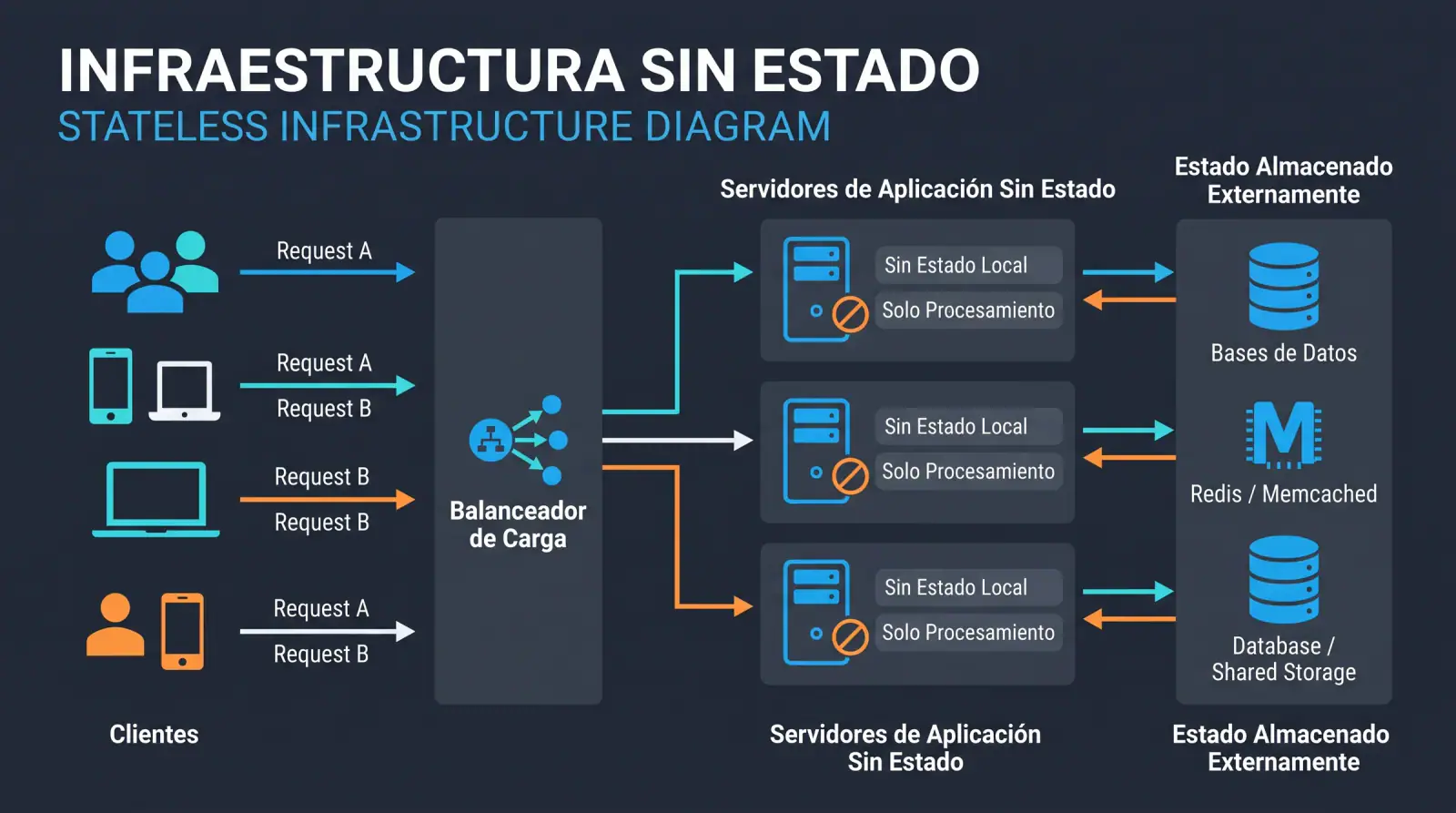
Stateless infrastructure: the foundation for scaling applications painlessly
Why designing applications without server-side state is key to scaling horizontally, deploying without downtime and recovering from failures, and how to do it right without falling into common mistakes.